
Automatically start a Lovon session when your heart rate spikes
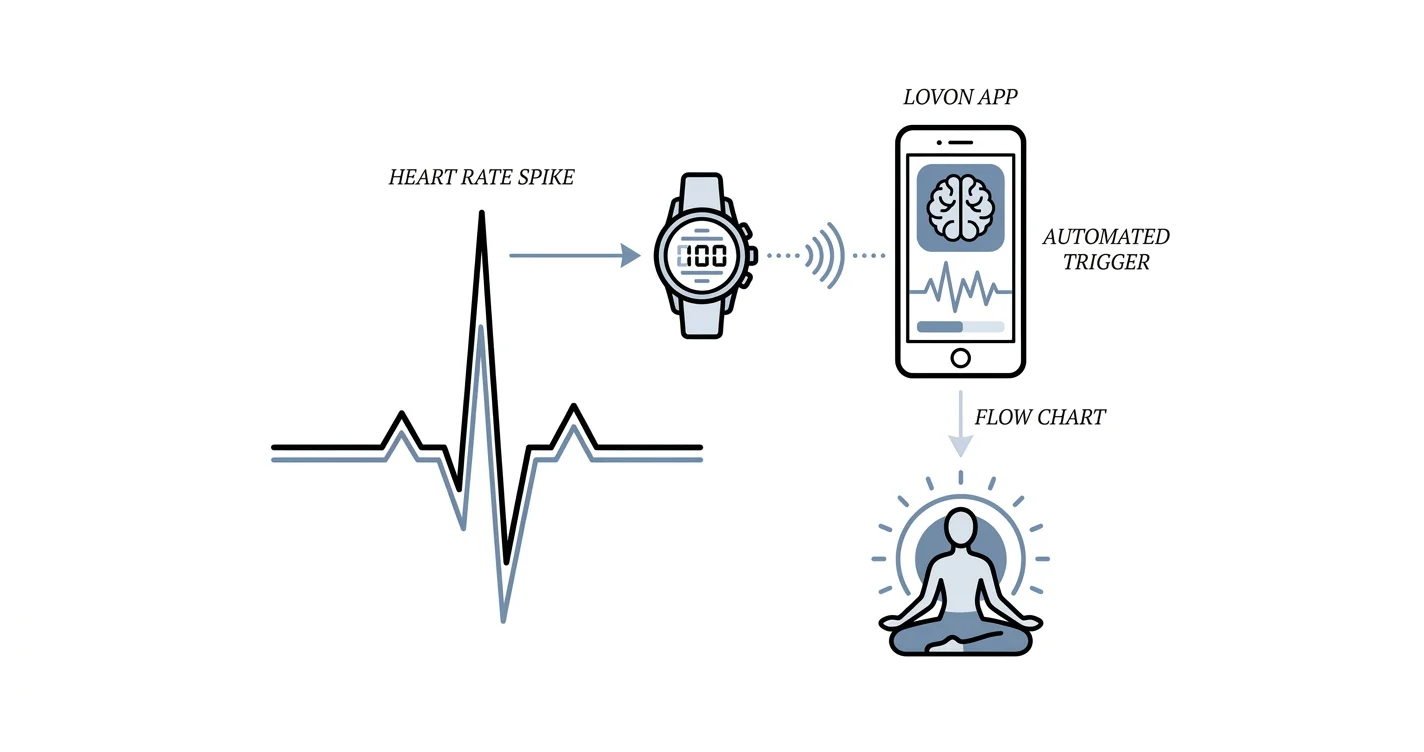
A Lovon Apple Watch heart rate trigger uses iOS Shortcuts automation to open Lovon the moment your heart rate spikes, no manual app search needed in 2026.

Key Takeaways
- A Lovon Apple Watch heart rate trigger runs through Apple's Shortcuts automation, not a built-in Lovon feature, and takes about five minutes to set up.
- Set a Personal Automation with Heart Rate as the condition, then add an Open App action pointing to Lovon.
- Turn off Ask Before Running or the automation just becomes another notification you still have to tap.
- Health data syncs in batches, so expect a short lag between the spike and Lovon opening, not an instant alert.
- Lovon opens to where you left off; you still tap once to start the voice session yourself.
Your heart rate climbs before you consciously register the anxiety spiral, and by the time you think to open an app the moment has usually passed. Set an Apple Watch automation once in the Shortcuts app, and your iPhone opens Lovon the instant your heart rate crosses a threshold you choose, before you've had to think about doing it yourself.
TL;DR
- A Lovon Apple Watch heart rate trigger runs through Apple's Shortcuts automation, not a built-in Lovon feature, and takes about five minutes to set up.
- Set a Personal Automation with Heart Rate as the condition, then add an Open App action pointing to Lovon.
- Turn off Ask Before Running or the automation just becomes another notification you still have to tap.
- Health data syncs in batches, so expect a short lag between the spike and Lovon opening, not an instant alert.
- Lovon opens to where you left off; you still tap once to start the voice session yourself.
Why this matters
A heart rate spike outside a workout is usually your sympathetic nervous system reacting before your conscious mind has caught up. Lovon's on-demand coping tools for anxiety are built around exactly that lag between the physical signal and the moment you actually do something about it.
That lag is also the core idea behind polyvagal theory and the nervous system: the body often signals distress physically before you can name what's wrong. An automation that opens Lovon the second that happens shortens the gap. You're not hunting for the app with a tight chest or racing thoughts — it's already open.
A Lovon Apple Watch heart rate trigger built through iOS Shortcuts is a five-minute setup in 2026, not a new app to learn.
Before you start
- An iPhone running iOS 17 or later, paired with an Apple Watch that's actively logging heart rate data to the Health app.
- Health permissions turned on for Shortcuts (Settings > Privacy & Security > Health > Shortcuts) — without this, the automation has nothing to read.
- Lovon installed on the iPhone. The automation opens the app; it doesn't start a session inside it, so you'll still tap once to begin talking.
- The gotcha: Shortcuts reads heart rate from Health app samples, not the live number on your watch face. There's a short delay between the spike and Lovon opening, so don't expect it the second your heart rate ticks up.
Set up a Lovon Apple Watch heart rate trigger
Set your heart rate trigger
- Open the Shortcuts app on your iPhone.
- Tap Automation at the bottom of the screen.
- Tap the + in the top right corner, then tap Create Personal Automation.
- Scroll down to Health and tap Heart Rate.
- Set the condition — for example is above, then a bpm number that reflects your resting baseline plus a clear margin, not a number so low it fires during normal activity.
- Tap Next.
Expected result: your automation now shows a heart rate condition instead of a blank trigger, and Shortcuts moves you to the action-building screen.
Configure the action to open Lovon
- Tap Add Action.
- Search for Open App in the action library.
- Tap Open App, then tap Choose and select Lovon from your installed apps.
- Tap Next to review the automation summary.
- Turn off Ask Before Running. This is the step people skip, and it's the one that decides whether this runs hands-free or just becomes one more alert you tap through.
- Tap Done.
Expected result: the automation appears in your Automation tab, enabled, with no confirmation prompt attached.
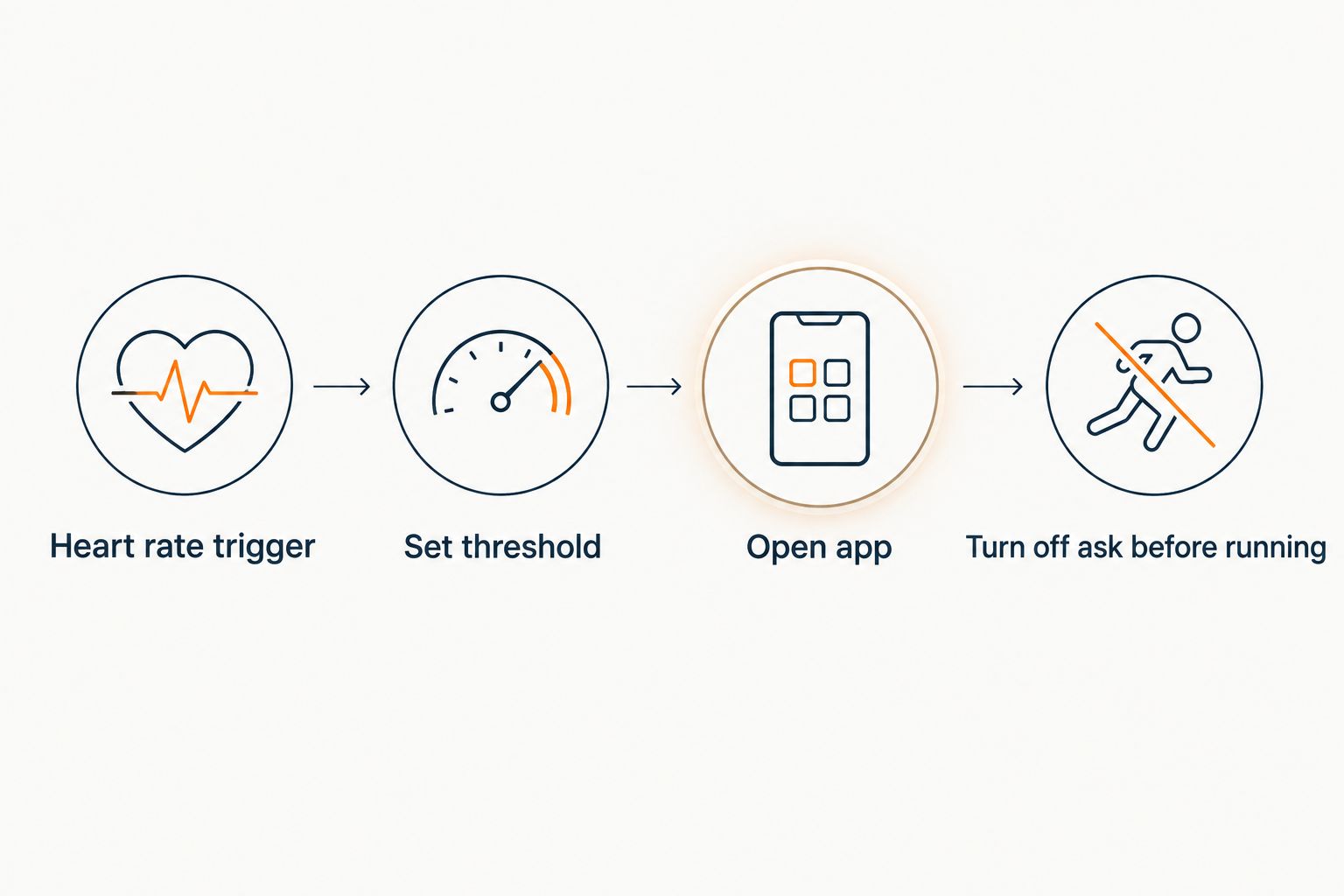 Four steps to set up an Apple Watch heart rate automation that opens Lovon
The automation runs quietly in the background once Ask Before Running is switched off.
Use resting heart rate for a daily check-in instead
A live heart rate trigger fires in the moment. If that feels like too many interruptions, or your stress shows up as a generally elevated pattern rather than sharp spikes, build the same automation around resting heart rate instead.
Follow the same steps above, but in the Health list choose Resting Heart Rate rather than Heart Rate, and set the condition against your own typical baseline — check your Health app's Resting Heart Rate trend before picking a number. Because resting heart rate updates once a day rather than continuously, this version opens Lovon as a single daily check-in on days your baseline runs high, not a real-time alert.
Verdict: use live Heart Rate for acute spikes, use Resting Heart Rate for a quieter daily pattern check.
Have your check-in ready
Know what you'll do in Lovon before the automation opens it for you.
Troubleshooting the automation
- The automation never fires. Check Settings > Privacy & Security > Health > Shortcuts and confirm every relevant category is toggled on. Shortcuts can't read what it hasn't been given permission to see.
- It still asks before running every time. Ask Before Running got left on. Open the automation in the Automation tab, tap it, and toggle it off again — this setting occasionally resets after an iOS update.
- Lovon opens minutes after the actual spike. That's expected. Health data arrives in batches from the watch to the phone rather than as a live stream, so a short delay is built into the system, not a flaw in your setup.
- The automation keeps firing during workouts. Add a second condition, or restrict the automation with a Focus filter, so it skips periods when a workout is already logged — heart rate naturally runs high during exercise and that's not the signal you're trying to catch.
- Lovon opens but nothing happens. The Open App action only launches Lovon to wherever you left off; it doesn't start a voice session automatically. That last tap is still yours.
Customize your workflow
Once the base automation works, layer it instead of replacing it:
- Pair the trigger with a grounding routine while Lovon loads. A slow pass through breathing exercises for anxiety relief steadies things before you even start talking.
- If you're deciding whether an always-available option fits your routine at all, the on-demand therapy app checklist walks through what actually matters when picking one in 2026.
- Keep the threshold realistic. A number set too low turns Lovon into a nagging pop-up during ordinary activity; a number set too high defeats the point of catching the spike early.
Lovon is built for exactly this kind of in-the-moment check-in — a voice conversation with an AI voice companion built with input from PhD psychologists, available whenever the moment calls for it. It's not a replacement for a licensed clinician, and for anything urgent or safety-related, that distinction matters more than any automation you build in 2026.
FAQ
What is a Lovon Apple Watch heart rate trigger?
It's a Shortcuts automation on iPhone that opens the Lovon app when your Apple Watch records a heart rate above a threshold you set. Lovon doesn't build or control the trigger itself — Apple's Health automation does the detecting, and the Open App action does the launching.
Does Lovon have a native Apple Watch app?
No, this setup runs through Apple's Shortcuts automation on iPhone, not a Lovon Watch app. Your Apple Watch supplies the heart rate data to the Health app, and Shortcuts reads it from there to decide when to open Lovon.
Why does my automation keep asking before it runs?
The Ask Before Running toggle is still turned on for that automation. Open it in the Shortcuts Automation tab, tap the automation, and switch Ask Before Running off so it launches Lovon without a confirmation prompt.
Is there a delay between the heart rate spike and Lovon opening?
Yes, expect a short lag because Shortcuts reads from Health app samples that sync in batches from the watch, not a live feed. It's built to catch a spike within a few minutes, not deliver a split-second alert.
Can I trigger Lovon from resting heart rate instead of a live spike?
Yes, build the same automation but choose Resting Heart Rate instead of Heart Rate under the Health automation options. Because resting heart rate updates once a day, this version opens Lovon as a daily check-in on high-baseline days rather than a real-time alert.
Will this interrupt my workouts?
It can, if your threshold sits near your normal exercise heart rate range. Add a condition or a Focus filter that skips the automation during logged workouts so it only fires outside exercise.
Does opening Lovon automatically start a voice session?
No, the Open App action only brings Lovon to the foreground where you left off. You still tap to start the voice conversation yourself — the automation just removes the step of finding the app.
Is Lovon a substitute for calling a therapist during a crisis?
No, Lovon is built for on-demand emotional support and coping tools, not a replacement for licensed clinical care. For anything urgent or safety-related, contact a licensed professional or emergency services instead of relying on the automation.
One last thing
Shortcuts automations built on a rising condition, like heart rate crossing above a number, fire once when the condition is met, not repeatedly while it stays true. Set it up once in 2026, and it won't spam you with the same alert every few minutes while your heart rate stays elevated — it opens Lovon once, and the rest is up to you.
Related guides
How AI Support Helps You Heal
AI emotional support isn't about replacing human connection — it's about filling the gaps. The moments when you need to talk at 2 AM, when you don't want to burden your friends again, or when you simply need someone to listen without judgment.
Here's what happens in a typical Lovon session:
You share what's on your mind
There's no script, no intake form, no waiting room. You speak or type whatever you're feeling — in your own words, at your own pace.
Lovon validates and explores
Using frameworks from CBT (Cognitive Behavioral Therapy) and motivational interviewing, Lovon acknowledges your feelings first, then gently helps you explore them. No dismissive "just move on" advice.
You build coping skills together
Lovon doesn't just listen — it actively works with you on evidence-based techniques: thought reframing, urge surfing, behavioral experiments, and more.
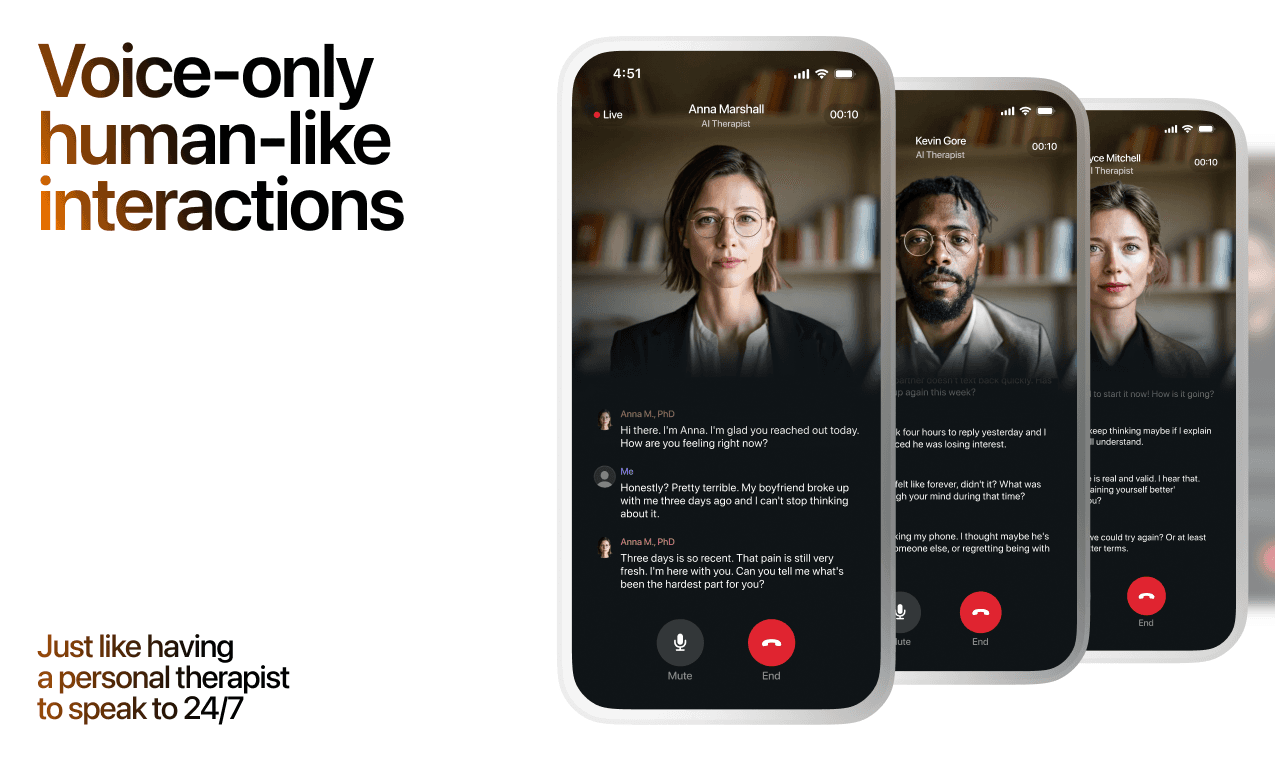
What a Session with Lovon Looks Like
Lovon is AI support, not a replacement for professional care. If things have been hard to get through for weeks, or you are thinking about harming yourself, talk to a doctor or a licensed therapist.
Ready to Start?
Your healing journey can begin right now
A 3-day trial. No judgment. Just a safe space to process what you're going through.
Frequently Asked Questions
Is Lovon a replacement for a real therapist?
Is my conversation with Lovon AI private?
How is Lovon different from ChatGPT for emotional support?
Can I use Lovon if I'm already seeing a therapist?
Can I try Lovon before subscribing?
About the Author

The Lovon Editorial Team
Mental Health & Wellness Content Team
The Lovon Editorial Team develops mental health and wellness content designed to make psychological concepts accessible and actionable. Our goal is to bridge the gap between clinical research and everyday life - helping you understand why your mind works the way it does and what you can do about it....
Related articles
- How to connect Lovon to Siri for instant voice sessions
Set up the Lovon Siri shortcut in under 5 minutes. Step-by-step iOS Shortcuts guide for instant voice sessions plus a…
- How to Start AI Therapy for the First Time (2026)
How to start with AI mental health support in 2026, in under 10 minutes. Lovon's voice app offers on-demand…
- How to connect Lovon to your iPhone home screen widget
Add the Lovon iPhone widget in under a minute. Home Screen and Lock Screen setup steps, size comparison, and fixes for…
- Fitbit stress alerts and Lovon coping check-ins: complete 2026 workflow
Use Fitbit stress alerts as a cue to open Lovon yourself. Check device support, choose a calm response, and know when to…
See also
Quizzes
- Do I Miss My Ex or Am I Just Lonely? 12-Question Quiz
Find out what the missing is actually about.
- Am I Codependent? 12-Question Self-Check
See how much of you is left over, in 2 minutes.
Free tools
- Breakup Meditation
For when it's over and it still hurts. Seven minutes of slow breathing, noticing where the breakup sits in your body…
- Feelings Wheel
Tap the broad feeling in the middle and the wheel zooms in until you reach the word that fits. Each word opens a short…
From the wiki
- Why do I feel lonely all of a sudden?
Sudden loneliness usually traces back to something that quietly ended in the last few months: a routine, a shared class…
Disclaimer: This article is for informational purposes only and does not constitute medical advice, diagnosis, or treatment. Always seek the advice of your physician or other qualified health provider with any questions you may have regarding a medical condition. If you are in crisis or think you may have an emergency, call 988 (Suicide & Crisis Lifeline) or go to the nearest emergency room. Outside the US? Find a crisis line in your country.